
What's your face shape? Find out from one photo
Take the guesswork out of styling. Face Identifier calculates your facial dimensions in seconds to determine whether you have an oval, round, square, heart, diamond, or oblong face shape—so you can confidently choose the best hairstyles, glasses frames, and grooming styles.
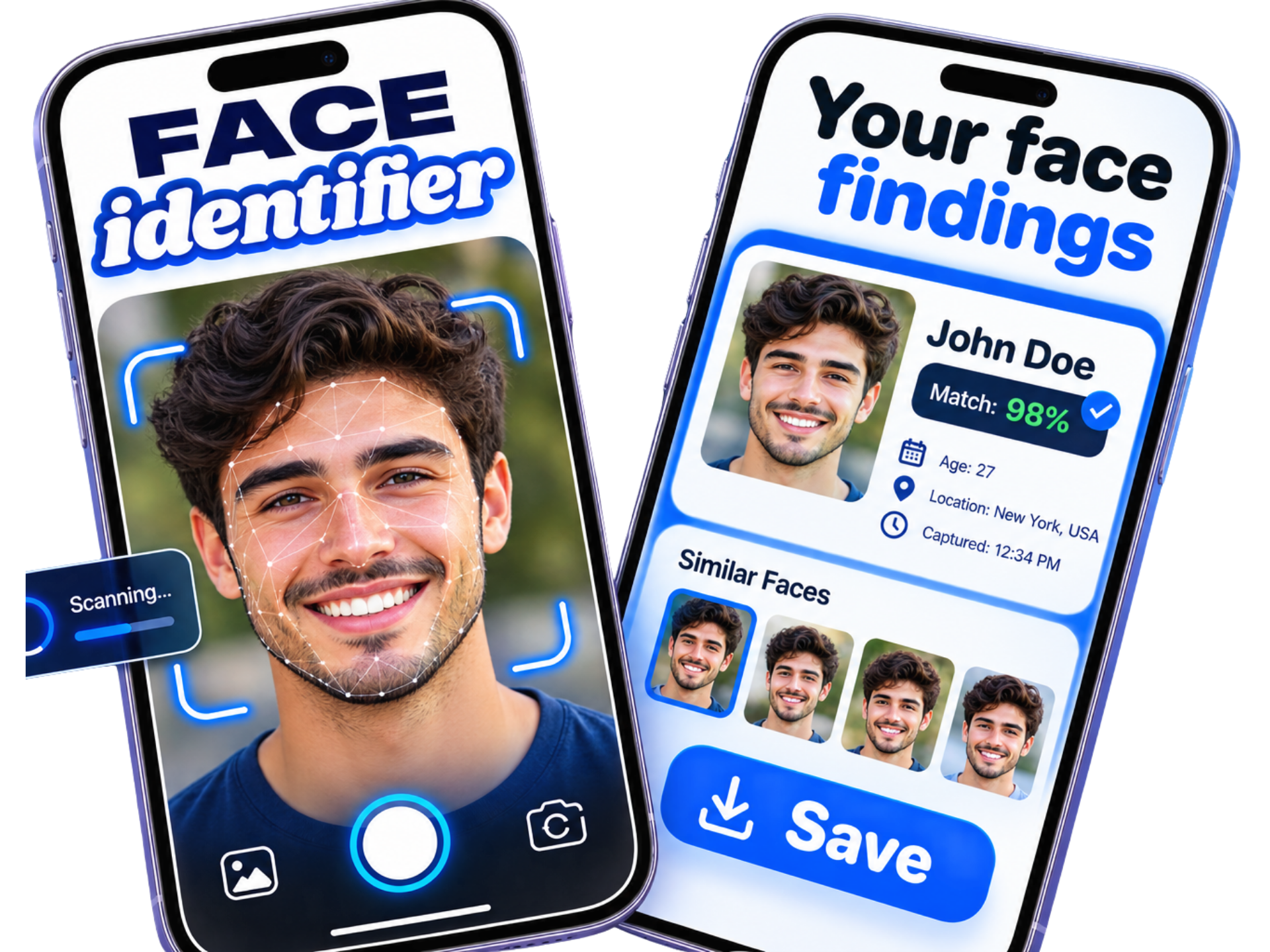
Which face shape do you have?
Human faces naturally fall into six primary geometric classifications based on relative forehead width, cheekbone span, jawline sharpness, and vertical facial length. Tap any shape below for dedicated styling guides.
Oval
Length ~ 1.5× widthBalanced Proportions & Soft Jawline
Considered the most versatile face shape. Forehead is slightly wider than the gently curved jawline with soft, harmonious angles.
- Widest at cheekbones
- Softly rounded jaw
- Balanced 1.5:1 ratio
Round
Length ~ 1:1 widthEqual Width & Length with Curved Edges
Symmetrical with soft, curved features. Cheekbones mark the widest point, tapering gently into a smooth, curved chin without sharp corners.
- Full, curved cheekbones
- Rounded jawline & chin
- Equal width and length
Square
Length ~ 1:1 widthStrong Angular Jawline & Broad Forehead
Defined by a bold, sharp jawline that mirrors the width of the forehead. Facial sides run straight from temples down to the jaw corners.
- Sharp 90° jaw angles
- Forehead equal to jaw
- Straight parallel sides
Heart
Inverted triangle silhouetteBroad Forehead & Pointed Delicate Chin
Characterized by a generous forehead and prominent cheekbones that taper gracefully into a narrow, delicate chin.
- Widest at forehead/brow
- High, lifted cheekbones
- Narrow, tapered chin
Diamond
Cheekbones widest pointHigh Cheekbones with Narrow Forehead & Chin
The rarest face shape. Dramatic, high cheekbones stand out as the widest point, while both forehead and jawline are distinctly tapered and narrow.
- Prominent high cheekbones
- Narrow hairline & brow
- Tapered angular chin
Oblong
Length > 1.5× widthElongated Silhouette with Straight Lines
Similar in angularity to a square or oval face, but notably longer than it is wide. Forehead, cheeks, and jaw share a consistent, uniform width.
- Face length exceeds width
- Consistent vertical width
- Subtle, elongated chin
Not sure which two shapes you are between?
Many people sit on the border between two adjacent shapes. Read our detailed side-by-side comparison guides:
How Face Identifier analyzes your facial geometry
Rather than relying on human guesswork in front of a bathroom mirror, Face Identifier measures distinct facial reference points in your photo to calculate exact proportional ratios in under 5 seconds.
The 4 Key Measurements Compared By The App
Forehead Width
Measured at the widest section between your left and right temple hairline. Identifies whether your upper third is broad (heart shape), moderate (oval/square), or tapered (diamond).
Cheekbone Span
Calculated across the most prominent zygomatic arches, just beneath the outer eye corners. Determines if your midface represents the widest horizontal landmark.
Jawline & Angle
Measures the mandible from below the earlobes down to the chin point, evaluating both the horizontal width and whether jaw corners form a sharp 90° angle or gentle curves.
Vertical Length Ratio
Compares the vertical height from center hairline to chin tip against maximum horizontal width, distinguishing compact 1:1 ratios (round/square) from 1.5:1+ silhouettes (oval/oblong).
What the result screen shows and how you can use it
Your scan doesn’t simply give you a one-word label. You receive a complete proportional breakdown designed to guide practical everyday grooming decisions.
Instant Proportional Result
Processed in under 5 seconds on your iPhone
View your primary face shape category alongside percentage confidence markers and a visual overlay diagram comparing your forehead, cheek, and jawline widths.
Hairstyles & Haircuts
Men's and women's style recommendations
Discover whether your face thrives with layered volume, curtain bangs, buzz cuts, pompadours, or textured crops—and learn which styles to avoid to prevent over-elongating or widening your face.
Glasses & Sunglasses Frames
Pick eyewear that complements your facial angles
Shop for prescription glasses or sunglasses with certainty. Find out if your facial structure looks best with angular rectangular frames, cat-eye curves, round wireframes, or bold aviators.
Beard Grooming & Makeup Contouring
Refine your daily grooming routine
Learn how to sculpt beards to add definition to soft chins or soften sharp jawlines. For makeup enthusiasts, identify exact zones for bronzer, contouring, and blush placement.
How to detect your face shape in seconds
No rulers, flexible tape measures, or complicated formulas required. Get an objective, algorithm-backed face shape report directly from your camera roll.
Snap or Upload a Photo
Take a front-facing selfie with neutral facial expressions in even lighting. Keep your hair pulled back from your forehead and temples so hairline edges and jaw angles are clearly visible.
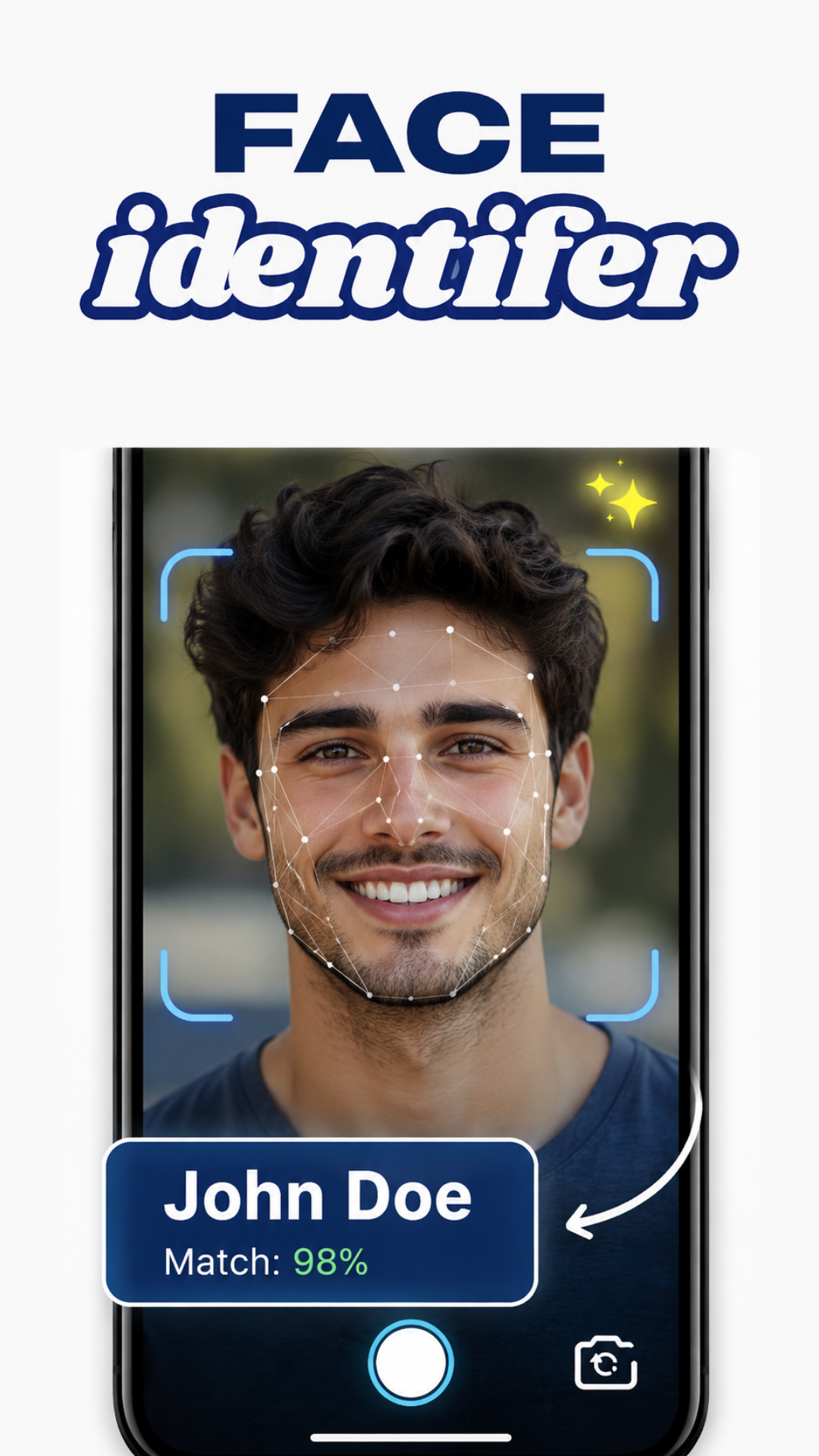
Neural Geometric Scan
The algorithm plots key facial coordinates across your forehead, cheekbones, jaw curve, and chin tip. It calculates your length-to-width ratio and detects curvature sharpness within 5 seconds.
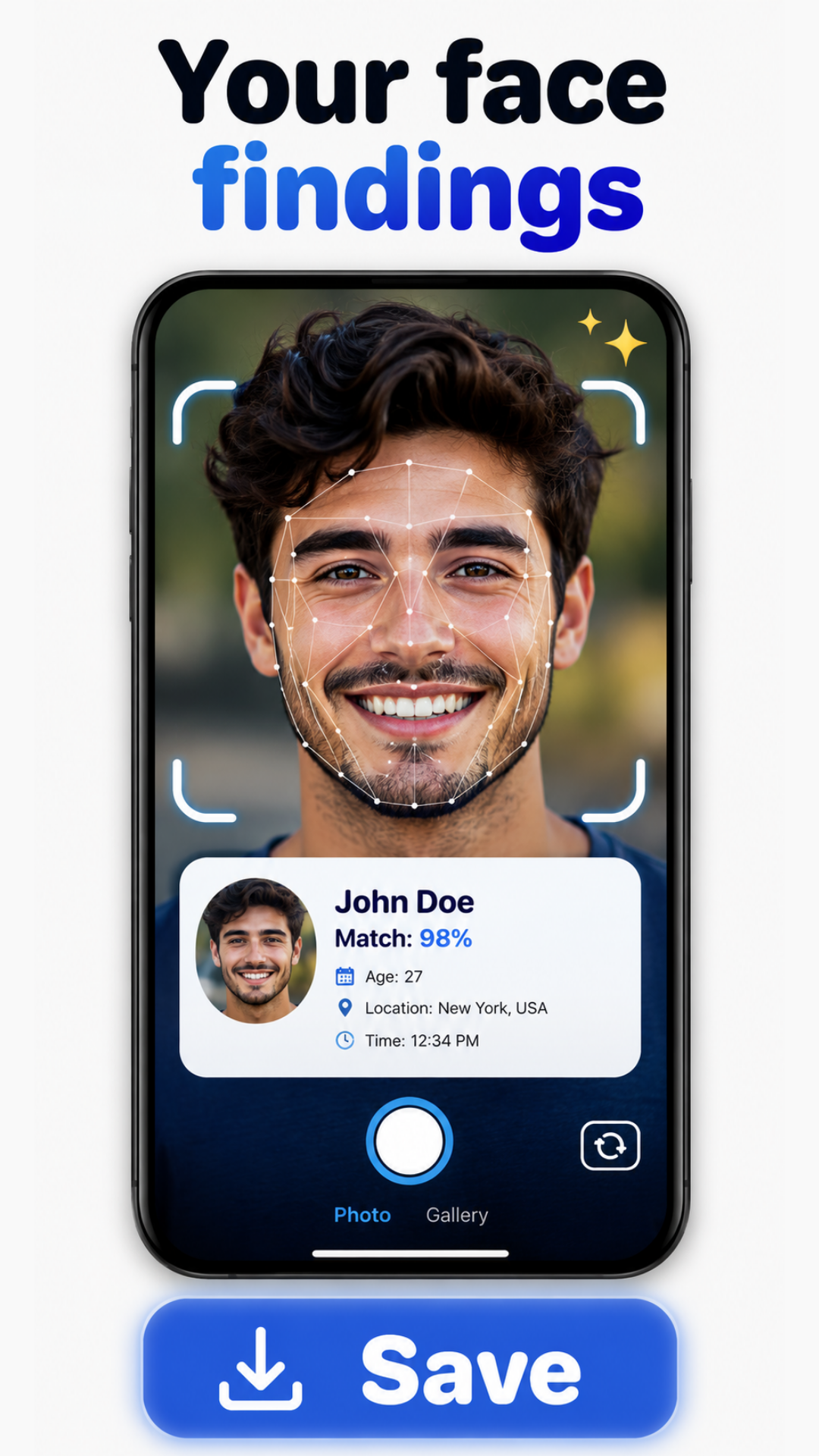
Receive Styling Playbook
Instantly view your confirmed face shape result (Oval, Round, Square, Heart, Diamond, or Oblong). Access curated guides for flattering haircuts, glasses frames, and grooming techniques.
Your photos & privacy
We believe you deserve total clarity regarding how your personal images and facial data are handled. Here is our plain-language commitment.
No Person Identification
Face Identifier evaluates geometric proportions—such as jaw angles and cheekbone width. It is mathematically incapable of identifying who you are, searching social profiles, or matching against surveillance records.
Photo Processing Details
[PHOTO_PROCESSING_DETAILS] Photos analyzed by the app are used exclusively to calculate your face shape result and are handled in strict accordance with our security policies. Photos are never sold to data brokers.
You Are In Control
You choose what photos to upload from your iPhone camera roll. We encourage you to only analyze photos of yourself or individuals who have given you explicit consent.
Transparent results designed for everyday use
When your analysis finishes, Face Identifier presents your primary shape category along with proportional breakdown details. No confusing medical jargon—just intuitive visual charts and instant styling guides for your next haircut or eyewear purchase.
- Clear proportional ratio metrics
- Immediate access to haircut and glasses recommendations
- Save or export results on your iPhone
About Face Identifier
Face Identifier was developed by [DEVELOPER_NAME] ([COMPANY_NAME]) to solve a universal question: “What is my face shape?” We built an accessible mobile tool that provides objective proportions without invasive tracking.
Inquiries & Press: [CONTACT_EMAIL]
Frequently asked questions
Everything you need to know about how Face Identifier calculates face shape and protects your privacy.
What does Face Identifier analyze?
Face Identifier analyzes facial geometric proportions and contours from a photo—specifically measuring forehead width, cheekbone width, jawline width, and vertical face length. It compares these measurements to determine your primary face shape category (oval, round, square, heart, diamond, or oblong) and provides customized hairstyle, eyewear, beard, and makeup suggestions.
How can I get a better result?
For the most accurate scan, take a clear, front-facing portrait in bright, even lighting. Pull your hair back to fully reveal your forehead hairline, temples, and jawline. Keep a neutral, relaxed facial expression (avoid smiling or tilting your head), remove glasses or hats, and avoid using beauty filters or wide-angle lenses close to your face.
Does the app identify who someone is?
No. Face Identifier analyzes face shape only. It does not recognize or identify people, search identity databases, or match faces to names or social profiles. Its algorithms measure abstract geometric ratios purely for styling and grooming guidance.
Can I use a photo of someone else?
You may only use photos of other individuals if you have their explicit consent and permission to do so. Please respect the privacy of friends, family members, or anyone else pictured in your images.
Is it available on Android?
Face Identifier is currently built and optimized exclusively for iPhone and available on the Apple App Store. Android support is not currently available.
Where can I get support?
You can reach out directly via our Support page or email our support team at support@faceidentifier.app. We typically respond to questions regarding scans, app features, and subscriptions within 24 to 48 hours.
Find your face shape in seconds
Download Face Identifier for iPhone today. Discover whether your face is oval, round, square, heart, diamond, or oblong and unlock hairstyles and glasses frames that flatter your features.